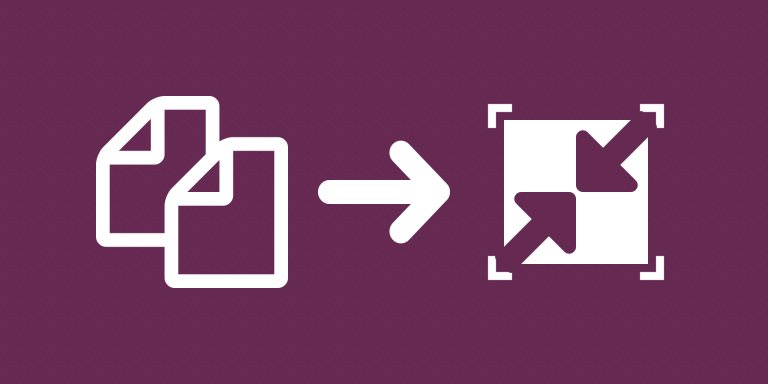
Create compressed PDF attachments from files stored in Airtable. The miniExtensions Compress PDFs automation reads PDFs from a source attachment field and saves processed copies in an output attachment field.
What you can do
- Process PDF attachments in bulk.
- Save compressed copies in a separate attachment field.
- Keep original PDFs available for comparison.
Keep originals and compare results
The automation processes PDFs from the selected source field and writes the resulting copies to an output attachment field. Keeping those fields separate makes it easy to compare the original document with the processed version.
Use it when documents should be easier to distribute or store without manually downloading and uploading every PDF. File size and readability should both be checked on representative examples.
Compression results depend on the document’s existing structure. A PDF that is already optimized may show little reduction, and this workflow should not be described as guaranteed image downsampling or a fixed percentage size reduction.
Common uses
- Test smaller versions of document packs before sharing them.
- Reduce repeated manual handling of PDFs associated with customer records.
- Keep an original and a processed copy in separate fields.
- Compare file sizes before deciding which version to distribute.
How to get started
Select the PDF source and output attachment fields. Test representative PDFs and compare their size and readability.
Good to know
Size reduction depends on the source PDF and is not guaranteed. Keep the original when comparing processed documents.