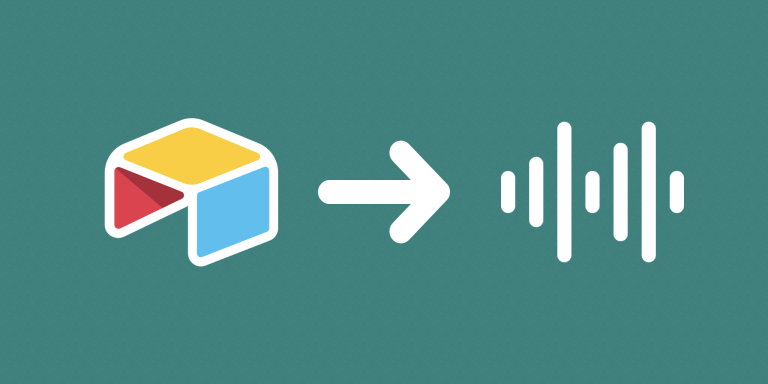
Audio Player generates shareable browser-player links for audio files stored as Airtable attachments. Recipients can open a player link without being given access to the full Airtable base.
What you can do
- Choose the table and audio attachment field.
- Generate a formula containing player links for up to the first five attachments on each record.
- Retrieve the current attachment URL when a player page is opened.
Use cases and examples
A podcast team can keep review recordings in Airtable and share player links with reviewers. The reviewers open the selected track in their browser rather than navigating the base.
- Music and voice-over review: Share audio recordings with music professionals or voice-over collaborators who need browser playback controls.
- Podcast review: Send a record-specific player link to someone reviewing a podcast recording without giving them access to the Airtable base.
- Audio-editing collaboration: Let reviewers listen, pause, seek, or adjust supported playback settings when checking a track. The player provides playback, not audio-editing tools.
How to get started
Select the attachment field and copy the Audio Player URL Formula into an Airtable formula field. Test the generated links with representative audio files and the browsers your reviewers use.
Good to know
Browser audio-format support applies. Links refer to attachment positions, so reordering files can change which track plays.
Further instructions
See How to allow users to play back audio files in the browser.