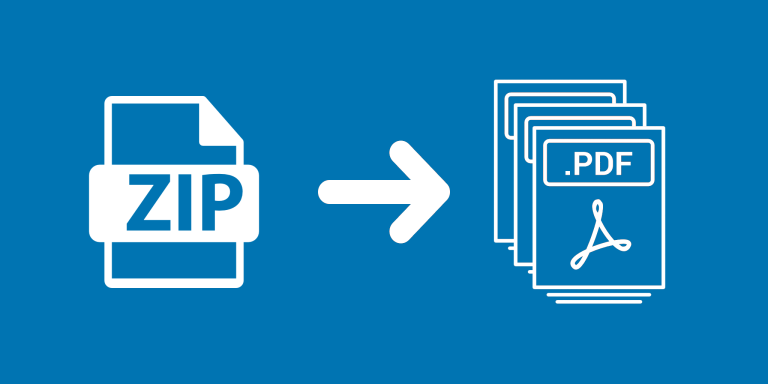
Unzip Attachments extracts files from ZIP attachments in Airtable and adds them to an output attachment field on the same record. This helps turn an uploaded archive into files available individually in your base.
What you can do
- Process ZIP archives from a selected source field.
- Extract individual files rather than directory entries.
- Append extracted files to the output field’s existing attachments.
Use cases and examples
A project intake record can receive a ZIP containing several documents. Run the automation to make the documents available separately for review while retaining the original archive in its source field.
- Processing archived files: Extract attachments from a ZIP archive so other workflows can access the individual files.
- Documentation intake: Unpack a submitted document bundle into an attachment field so your team can organize and review its contents.
How to get started
Choose the Source ZIP Field and Output Attachments Field, then test an archive with the kinds of files you expect to receive. Check the resulting filenames and file count before processing the full set.
Good to know
Extracted files are added to existing output attachments. Rerunning an archive can add duplicates, and folder paths are flattened.