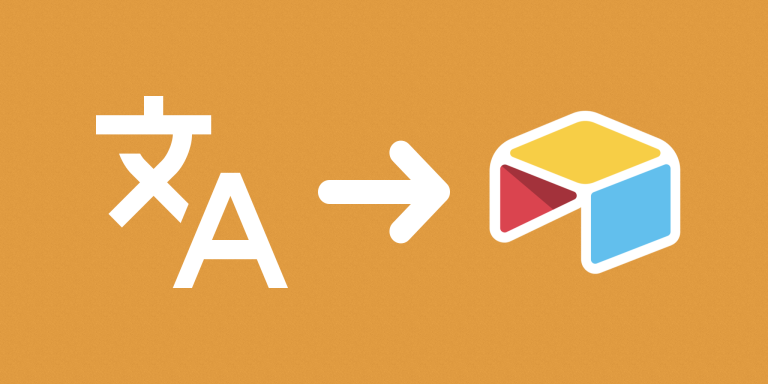
Translate Text with Google Translate sends text from an Airtable field to Google Cloud Translation and stores the translation in another field. Choose one target language for the automation to apply across the selected records.
What you can do
- Read text from a selected source field.
- Choose a target language in the configuration.
- Save translated plain text in a destination field using a Google Cloud service account.
Use cases and examples
A catalog team can maintain original descriptions in one field and translated descriptions in another. Separate automation configurations can target different languages while retaining the source wording.
- Product information: Translate product descriptions or other catalog text into a selected language for review.
- Multilingual research: Translate collected research text so your team can compare and work with material written in different languages.
How to get started
Add your Google Cloud Service Account JSON Key to the workspace and select it in the automation. Choose the source and output fields and target language, then test representative text before running a larger selection.
Good to know
Google Cloud credentials and usage charges apply. Review translations when wording or specialized terminology matters.