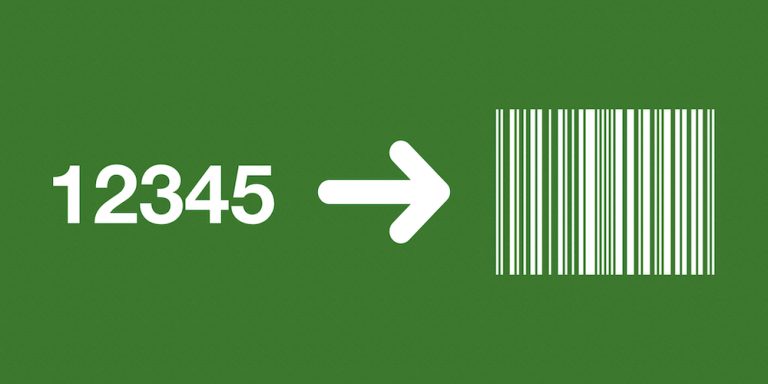
Generate barcode images from values already stored in Airtable. The miniExtensions Generate Barcodes for Records automation encodes each record’s selected field value and saves the resulting image as an attachment.
What you can do
- Encode existing Airtable values as barcode images.
- Choose supported linear or 2D formats, including QR and Data Matrix.
- Save the images as attachments for a printing workflow.
All supported barcode formats
The Barcode Type selector offers the following 104 options. The identifiers below match the options in the automation, including format variants and special encoding modes.
- EAN, UPC, and publishing identifiers:
ean13,ean13composite,ean14,ean2,ean5,ean8,ean8composite,isbn,ismn,issn,itf14,sscc18,upca,upcacomposite,upce,upcecomposite. - Code formats:
bc412,codablockf,code11,code128,code16k,code2of5,code32,code39,code39ext,code49,code93,code93ext,codeone,rationalizedCodabar. - GS1 DataBar:
databarexpanded,databarexpandedcomposite,databarexpandedstacked,databarexpandedstackedcomposite,databarlimited,databarlimitedcomposite,databaromni,databaromnicomposite,databarstacked,databarstackedcomposite,databarstackedomni,databarstackedomnicomposite,databartruncated,databartruncatedcomposite. - Other GS1 formats:
gs1-128,gs1-128composite,gs1-cc,gs1datamatrix,gs1datamatrixrectangular,gs1northamericancoupon,gs1qrcode. - QR and Data Matrix:
datamatrix,datamatrixrectangular,datamatrixrectangularextension,microqrcode,qrcode. - Aztec, PDF417, and other matrix formats:
azteccode,azteccodecompact,aztecrune,dotcode,hanxin,maxicode,micropdf417,pdf417,pdf417compact,ultracode. - HIBC formats:
hibcazteccode,hibccodablockf,hibccode128,hibccode39,hibcdatamatrix,hibcdatamatrixrectangular,hibcmicropdf417,hibcpdf417,hibcqrcode. - 2 of 5 formats:
coop2of5,datalogic2of5,iata2of5,industrial2of5,interleaved2of5,matrix2of5. - Postal formats:
auspost,daft,identcode,japanpost,kix,leitcode,mailmark,onecode,planet,postnet,royalmail. - Additional formats and modes:
channelcode,flattermarken,msi,pharmacode,pharmacode2,plessey,posicode,pzn,raw,symbol,telepen,telepennumeric.
Choose an encoding for your reader
Select the source value and a barcode format appropriate for its intended use. Options include linear formats such as Code 128, Code 39, UPC, and EAN, together with QR Code and Data Matrix. Some formats require a particular length or character set.
The generated barcode is saved as a JPEG attachment, with human-readable text where the selected format supports it. Use a dedicated output field and keep identifiers intact, including any significant leading zeros.
An asset table can generate labels from its existing internal IDs. Existing retail codes should use their matching format. Test at the intended printed size with the actual scanner before producing a larger collection; selecting a format does not validate an incorrectly formed identifier.
A practical example
An equipment table can contain a unique asset ID for each item. Generate Code 128 images from those IDs and use them in the team’s existing label-production workflow.
For an existing retail product code, choose the matching retail format and verify that the value satisfies that format’s requirements before printing.
How to get started
Choose the source field, barcode type, and output attachment field. Scan sample images with your intended reader before printing.
Good to know
This renders existing values; it does not allocate official product identifiers. Choose a compatible format and preserve leading zeros.