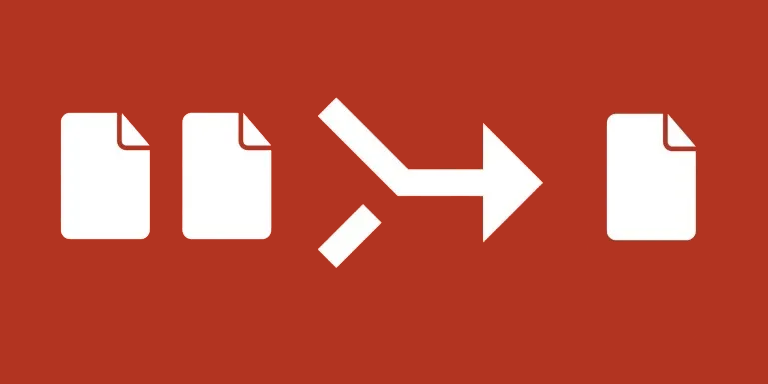
Gather Unique Attachments from Lookup Fields collects attachments into a destination field while removing repeated filenames. Use it when linked records or multiple sources expose the same named file more than once.
What you can do
- Read attachment values from a selected lookup or attachment field.
- Flatten the collected values into one attachment list.
- Keep one attachment per filename and replace the destination with that list.
Use cases and examples
A project record can look up documents from related task records. If several tasks reference the same named document, the automation can produce a shorter attachment list for sharing or downstream processing.
- Unique-file collections: Create an output collection with one attachment per filename when lookup fields bring together repeated files.
- Attachment storage cleanup: Build a deduplicated collection before reorganizing storage. Copies do not free space by themselves; review the results before separately removing redundant originals.
How to get started
Select the source field and a separate output attachment field. Test a record with repeated files and check which attachment remains before applying the workflow to more records.
Good to know
Duplicates are determined by filename, not file contents. Different files sharing a name can be reduced to one attachment.