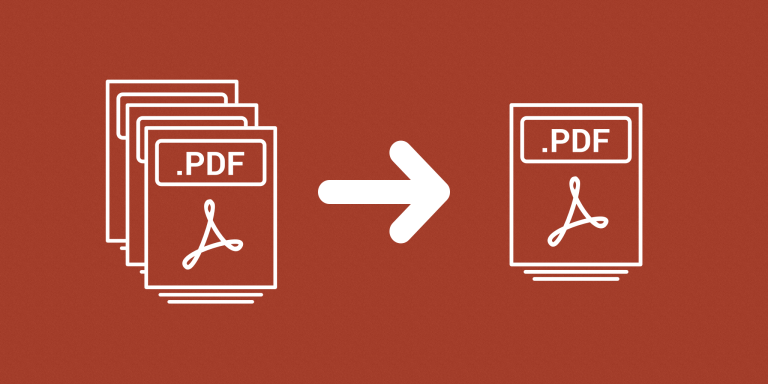
Combine PDF attachments belonging to the same Airtable record into one document. The miniExtensions Merge PDFs automation reads PDF files from your selected attachment fields and saves a merged PDF in an output attachment field.
What you can do
- Merge PDFs from multiple attachment fields.
- Choose the source-field order.
- Save one combined PDF per record.
Choose the document order
Select multiple attachment fields in the order you want them included. The attachment order within each field determines the sequence of the PDFs from that field. This lets you put a proposal first, followed by supporting documents or appendices.
Each processed record receives one combined PDF in the output field. The source attachments can remain separately organized in their original fields, and non-PDF files are not included as PDF pages.
Use a dedicated output field and review a sample document’s page order before a larger run. Merging existing PDFs is different from placing images onto PDF pages or generating a new document from a template.
Common uses
- Combine a cover page and supporting evidence into a single application packet.
- Assemble contracts and related documents for a client record.
- Collect a project’s PDF reports in a consistent order.
- Create a downloadable document pack without manually merging each record’s files.
How to get started
Select source attachment fields in the intended order and choose a separate output field. Generate and review a sample merged PDF.
Good to know
Some PDFs may need a rendering fallback that changes selectable text or interactive features. Review the merged document.
Further instructions
See how to merge PDFs.