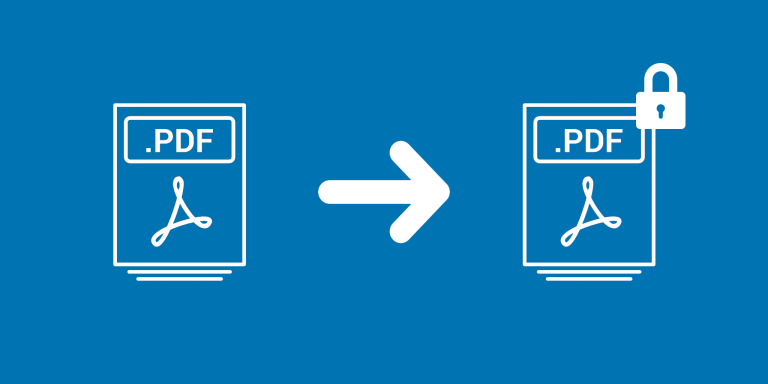
Add/Remove PDF Password processes PDF attachments in Airtable and stores the resulting files in a selected output field. Add Password applies a configured password to the PDFs you process.
What you can do
- Choose Add Password or Remove Password mode.
- Set one password for an Add Password run.
- Save processed PDFs to an output attachment field while keeping originals separately.
Example workflow
A team distributing PDF documents can create password-protected output copies from an original-PDF field. Check a sample in the PDF reader recipients will use before distributing the processed files.
How to get started
Select the input PDF field, output attachment field, and mode. For Add Password, enter the password.
Good to know
Password removal is experimental and cannot unlock every protected PDF. Keep originals and check the resulting documents.