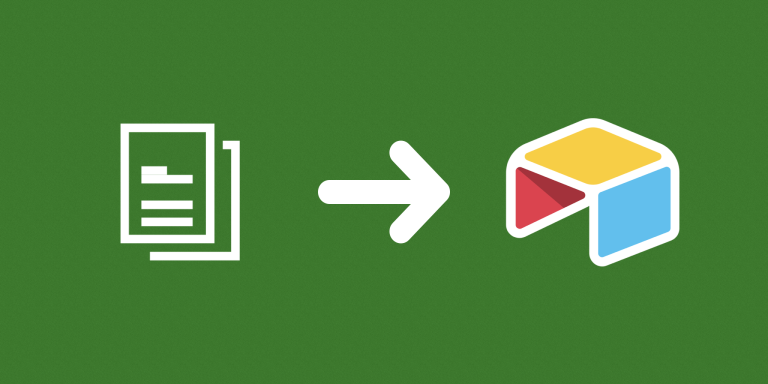
Copy Airtable Value to Another Field copies values between fields on the same record. Use it to populate a writable field from an existing value or formula result, with record selection controlling when the copy takes place.
What you can do
- Configure multiple source and destination field pairs.
- Copy compatible same-type values directly.
- Use readable text when copying between different field types, subject to what the destination accepts.
Example workflow
A billing workflow can copy Home Address into Billing Address only for records where a Same Address checkbox is selected. A filtered view determines which records are processed, leaving separately entered billing addresses outside that workflow.
How to get started
Select the table and add source fields and corresponding destination fields in matching order. Choose a filtered view or conditions, test one record, and confirm the destination types before running automatically.
Good to know
Values copy within the same record, subject to destination-field compatibility. Empty source values leave destinations unchanged.
Further instructions
See How to copy an address from another field conditionally.