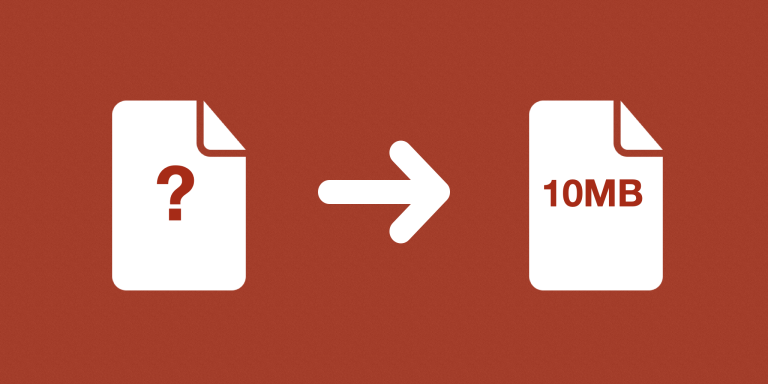
Calculate the total attachment size for each Airtable record with miniExtensions. Calculate Attachments Sizes adds together the file-size metadata from your selected attachment fields and writes one total to an output field.
What you can do
- Add attachment sizes across selected fields.
- Choose KB, MB, or GB output.
- Save one total per record for sorting and review.
Fields, units, and refreshed totals
Select one or more attachment fields to include in the per-record total. For example, combine Photos and Documents to measure their shared size, or use separate configurations to compare original files with processed copies.
Choose KB, MB, or GB for the output. Totals use the file-size information reported by Airtable and are rounded to two decimal places, so a smaller unit can be more useful when comparing small files.
The stored total reflects the calculation’s last run rather than changing continuously. Run it again after replacing or reducing files, then sort or filter Airtable records to find the largest collections. The automation measures files; it does not compress or remove them.
A practical example
A team can calculate a total for a Documents field, sort the resulting values in Airtable, and review the largest records first. After reducing or replacing files, run the calculation again to refresh the totals.
The automation measures the files; it does not delete, compress, or reorganize them.
How to get started
Select the attachment fields, output field, and unit. Run the calculation and use the totals in your Airtable views.
Good to know
Totals cover selected attachment fields per record. Run the calculation again when files change.