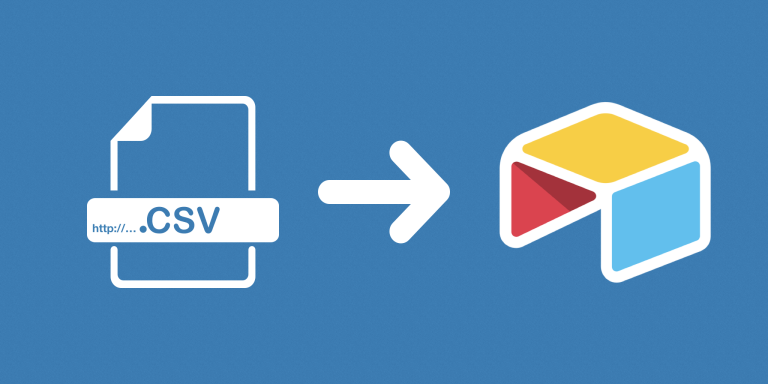
With this automation, you can automatically create and update records from CSV files uploaded as Airtable attachments. You can allow your users to upload CSV files that contain the new data through a form or portal, and this automation will then take that CSV file and extract the records from it to either create (if no matching record is found) or update.
This automation can be scheduled to run regularly, and supports webhooks. Every time the automation is run, it goes through every record in the source table to check for CSV files in the specified attachment field, and then process each file. It will then process every row in the CSV, and check whether or not the corresponding record exists in Airtable. If it doesn’t, we add it to Airtable. If it does exist, we update it.
Note that we determine whether or not a row has already been added to Airtable by checking whether or not its unique value already exists on Airtable. Because of this, your CSV must have a column that has a unique value for each row. This can be a unique ID, SKU, username, email, etc.
Features
- Supports adding and updating records
- Can be triggered by a schedule or a Webhook.
Limitations
- Only supports adding and updating records, but doesn’t support deleting existing records.
- Airtable must have field names that are matching all the CSV column names before the import.
- Columns/field names are case sensitive and they have to match exactly.
- CSVs must have a column that contains a unique value for each row (ID, SKU, username, email, etc.)
- The Collaborator field is not supported.