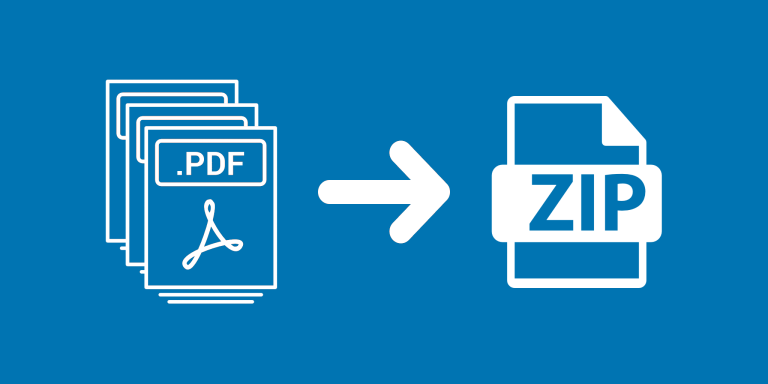
Compress Attachments to ZIP bundles a record’s attachments into one ZIP archive and saves it in Airtable. This is useful when several files should be handed off together instead of downloaded separately.
What you can do
- Create one ZIP archive per processed record.
- Choose None, Fast, or Best compression.
- Keep original attachments separately from the output ZIP field.
Use cases and examples
A job record containing documents and images can produce a ZIP attachment for handoff. Choose Fast for a balanced run, or compare Best on representative files if archive size is the main concern.
- Client document bundles: Combine a client’s attachments into one ZIP file for a more manageable download or backup.
- Vendor handoffs: Package related documentation into one archive for a vendor, then use your existing email or sharing workflow to deliver it.
How to get started
Select the source attachment field, compression level, and output ZIP field. Run a sample record, open the archive, and check its contents before processing the remaining records.
Good to know
Already compressed files may shrink very little. Use distinct filenames so archive entries do not conflict.