Give users a clear finish after a successful submission. The miniExtensions Form can attempt to close once the record is saved, helping reduce extra open windows when there is no next step.
Finish a short task in a separate window
Suppose your event website opens a feedback form in a separate window. After a visitor submits their feedback, closing that window lets them return their attention to the event page. An optional delay gives them time to read the success message first.
Browser behavior and submission limits
Browsers may refuse to close an ordinary tab opened by the user. If the form stays open, it displays an instruction that the user can close it. miniExtensions-generated embed code supports removing the submitted form from its containing page; custom iframes may not support this behavior.
Closing a window does not prevent someone from reopening the form or submitting again. Use Prevent Duplicates for duplicate values, scheduled availability for a deadline, or record locking to prevent further edits to a submitted record.
Getting started
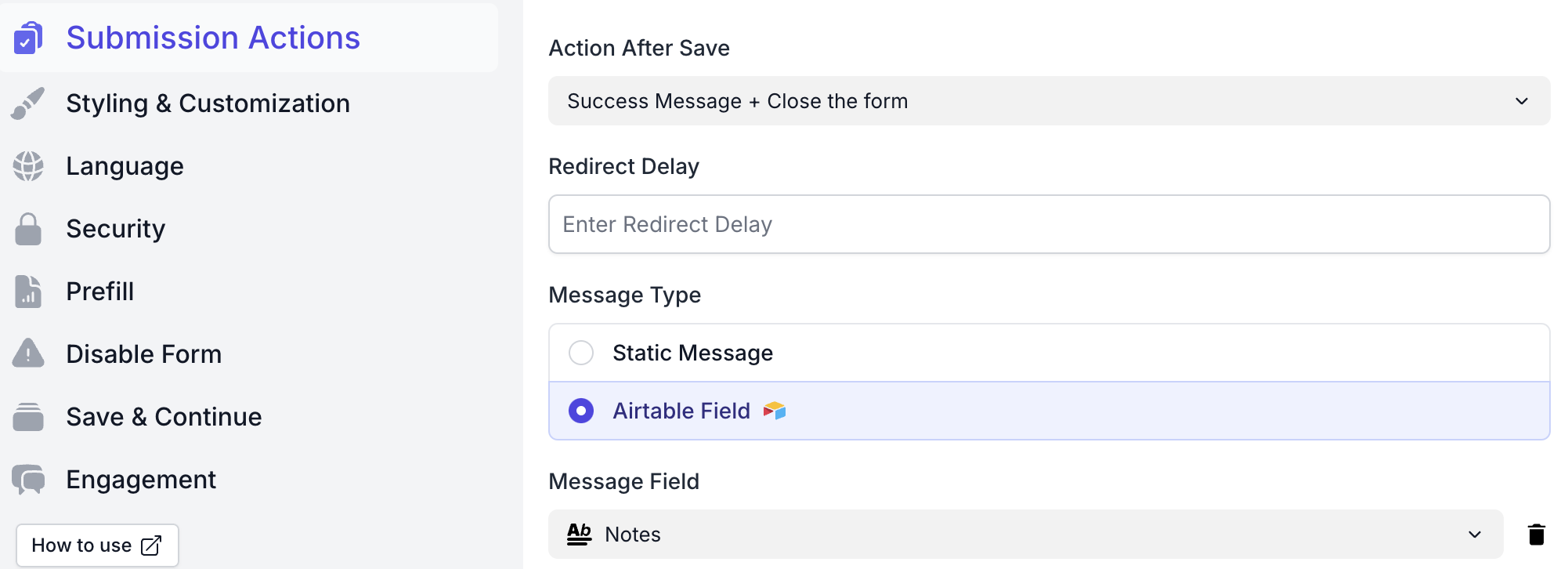
Choose Close the form as the after-submission action and set a delay if needed. See the auto-close setup guide for the detailed steps. The close result depends on the browser and how the form is opened.