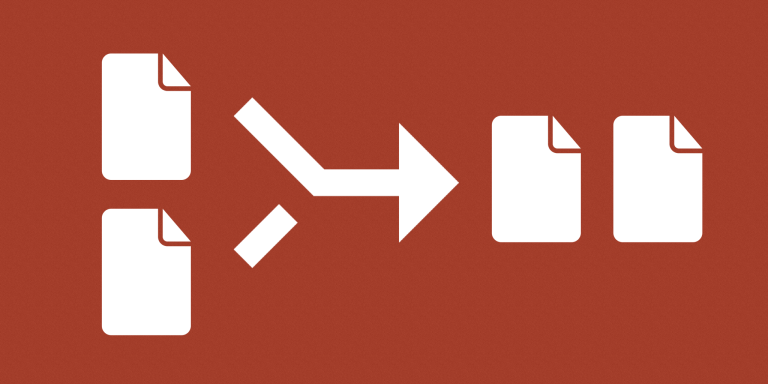
Merge Attachment Fields combines attachments from multiple fields into one destination field on the same Airtable record. Use it to give another workflow a consolidated attachment list while keeping separately organized source fields.
What you can do
- Select multiple source attachment fields.
- Combine their attachments in selected-field order.
- Replace the destination with the combined list for each processed record.
Use cases and examples
A project record can store Photos, Drawings, and Supporting Documents separately. The automation creates a combined Delivery Files field for a handoff or a tool that accepts only one attachment field.
- Base restructuring: Combine attachments into a new field when changing how files are organized in a base.
- Preserving existing integrations: Keep source fields used by an existing integration while creating a combined attachment field for another workflow.
How to get started
Select the source fields in the intended order and choose a separate destination attachment field. Test a record with files in several sources, then configure the record scope and processing behavior.
Good to know
Attachments remain separate files. The destination is replaced with the combined list, without automatic deduplication.